

Side-Opening Switchblade Pocket Knives
Explore switchblade knives for sale at Viper Tec with side-opening automatic action. These folding designs deploy the blade outward around a pivot, giving shoppers an alternative to out-the-front operation. Compare push-button switchblade knives by blade profile, handle construction, and closed size to narrow your selection.
Compare Compact, D2 Steel, and Titanium Switchblades
The most useful comparison starts with specific models. Consider these options when choosing between a shorter blade, a different cutting profile, or upgraded handle materials:
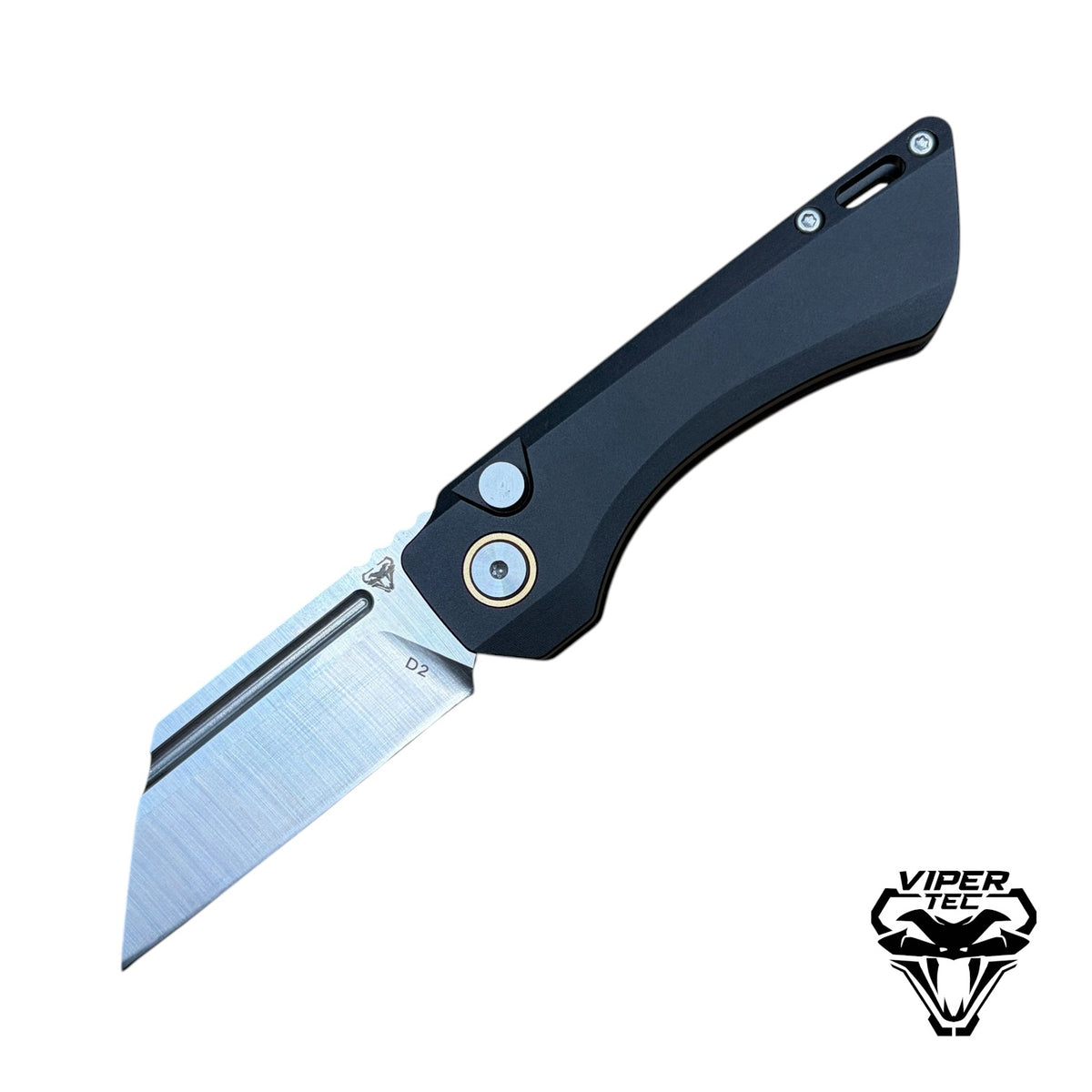
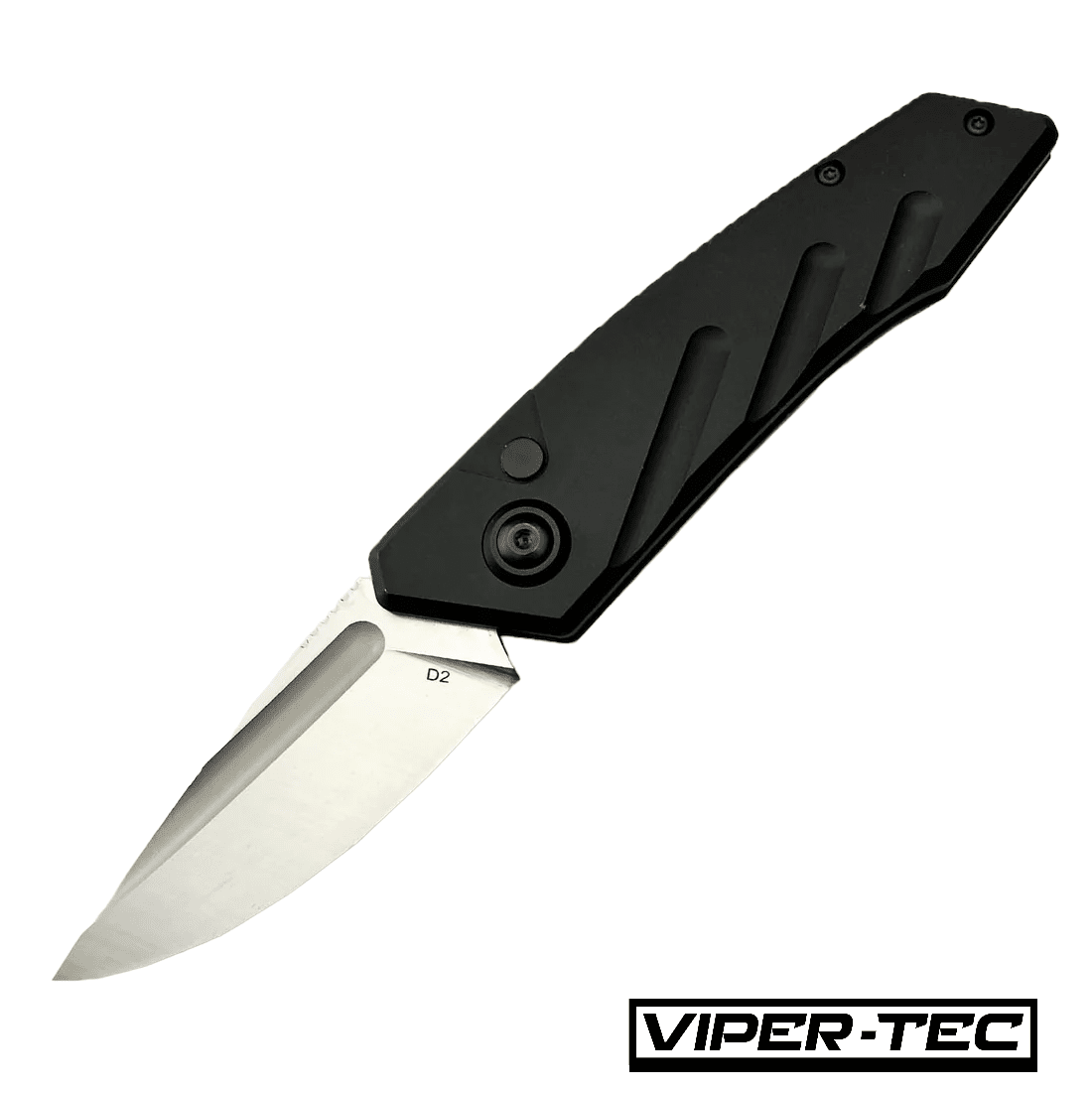
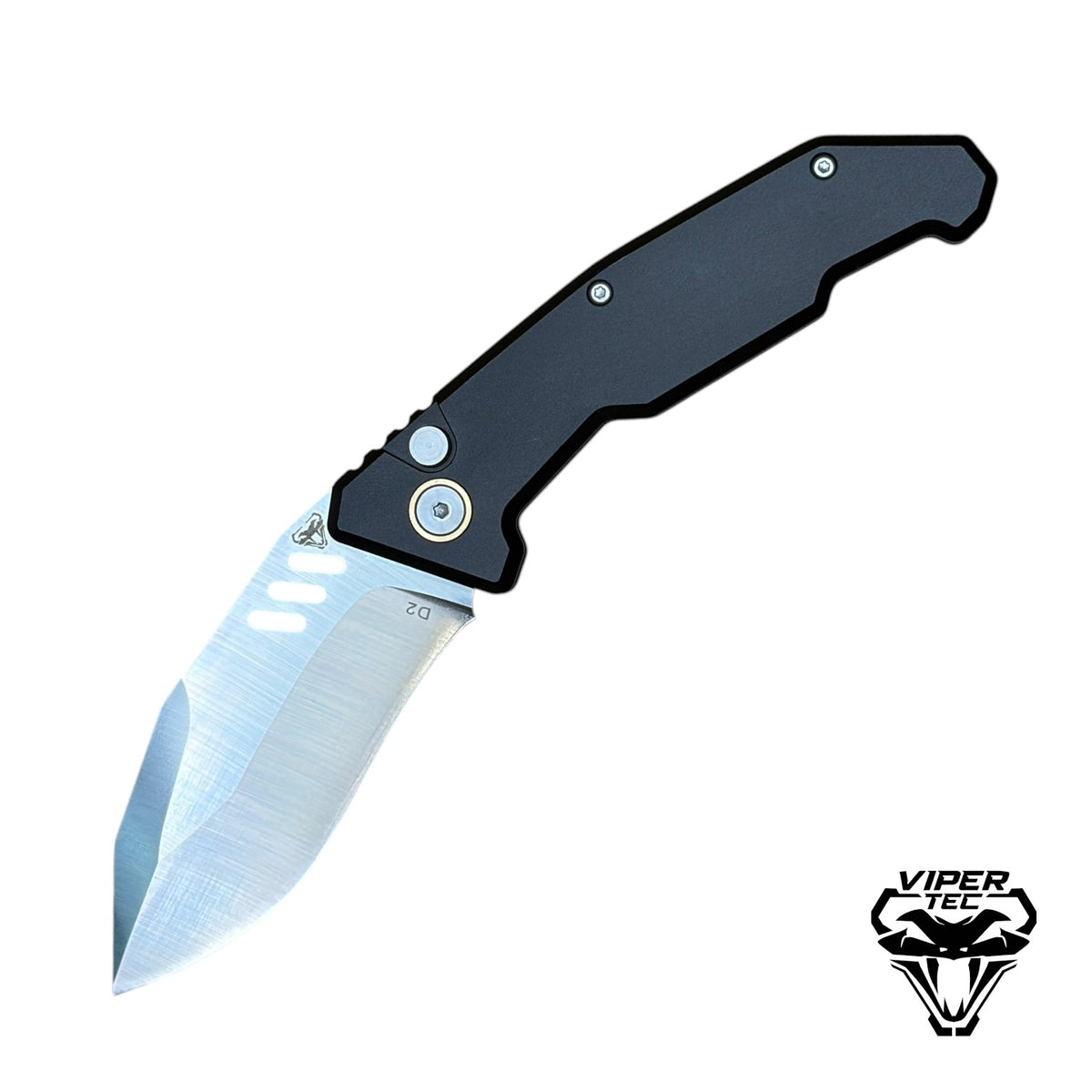
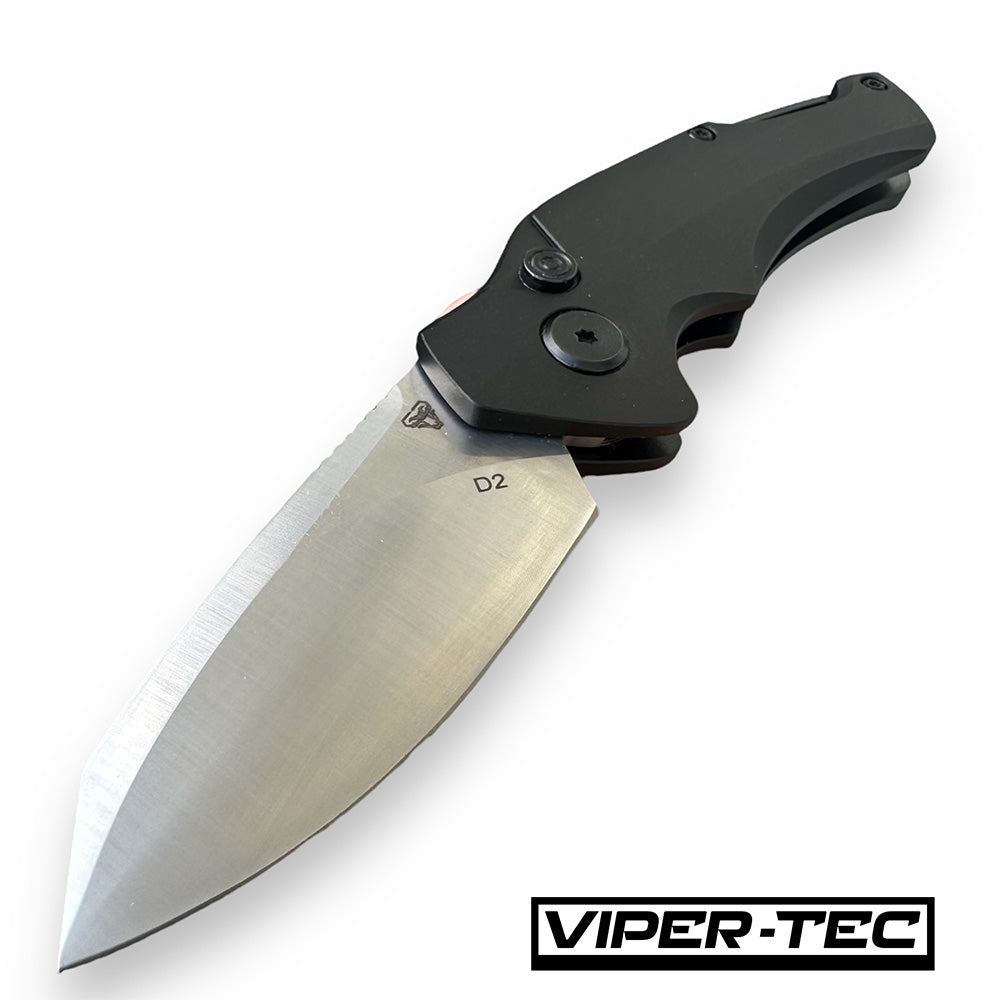
- Compact switchblade knives: The VT Vector D2 pairs a 2.5-inch blade with an aluminum handle and push-button automatic opening. Its listed blade profile is a Wharncliffe reverse tanto, providing a distinct alternative to a curved drop point.
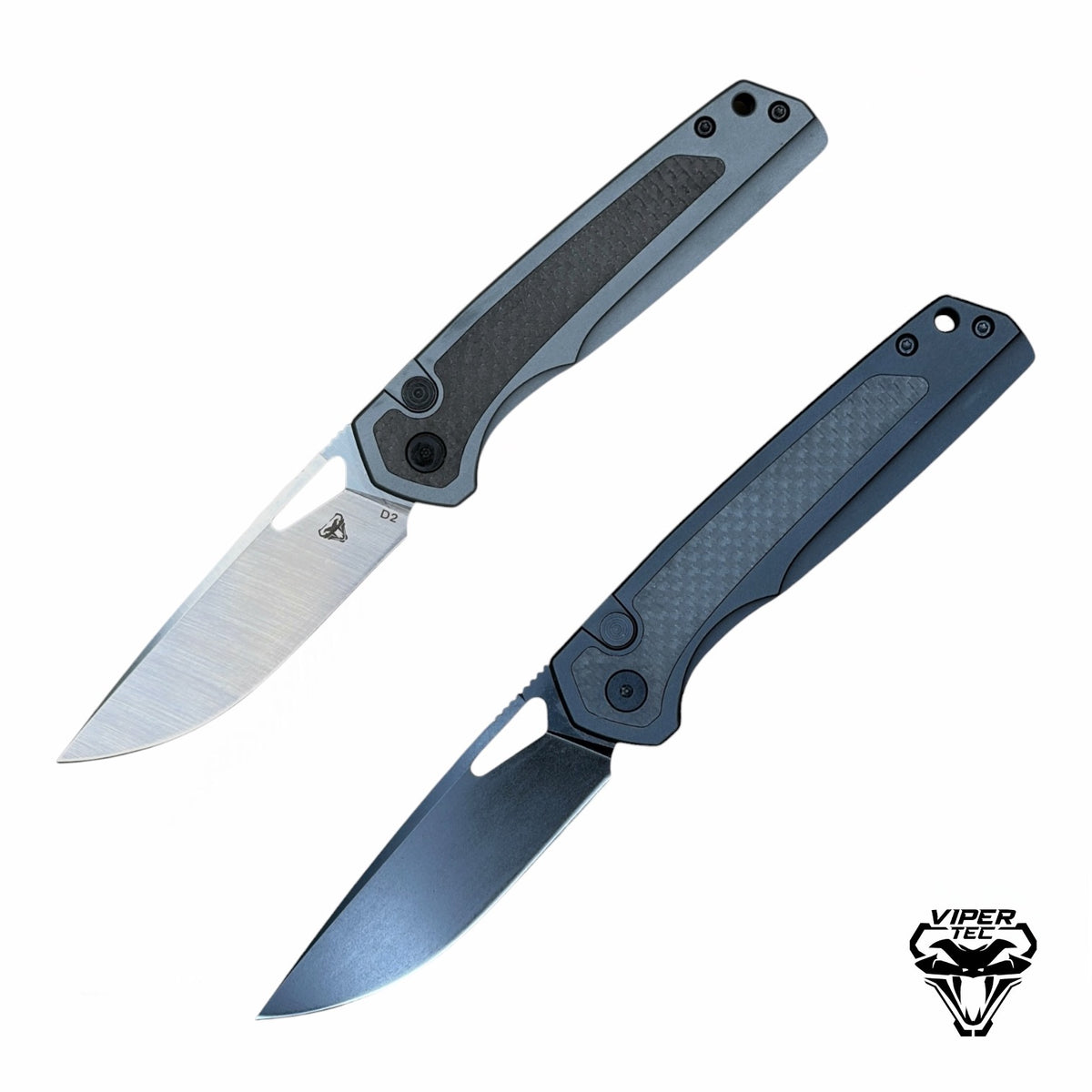
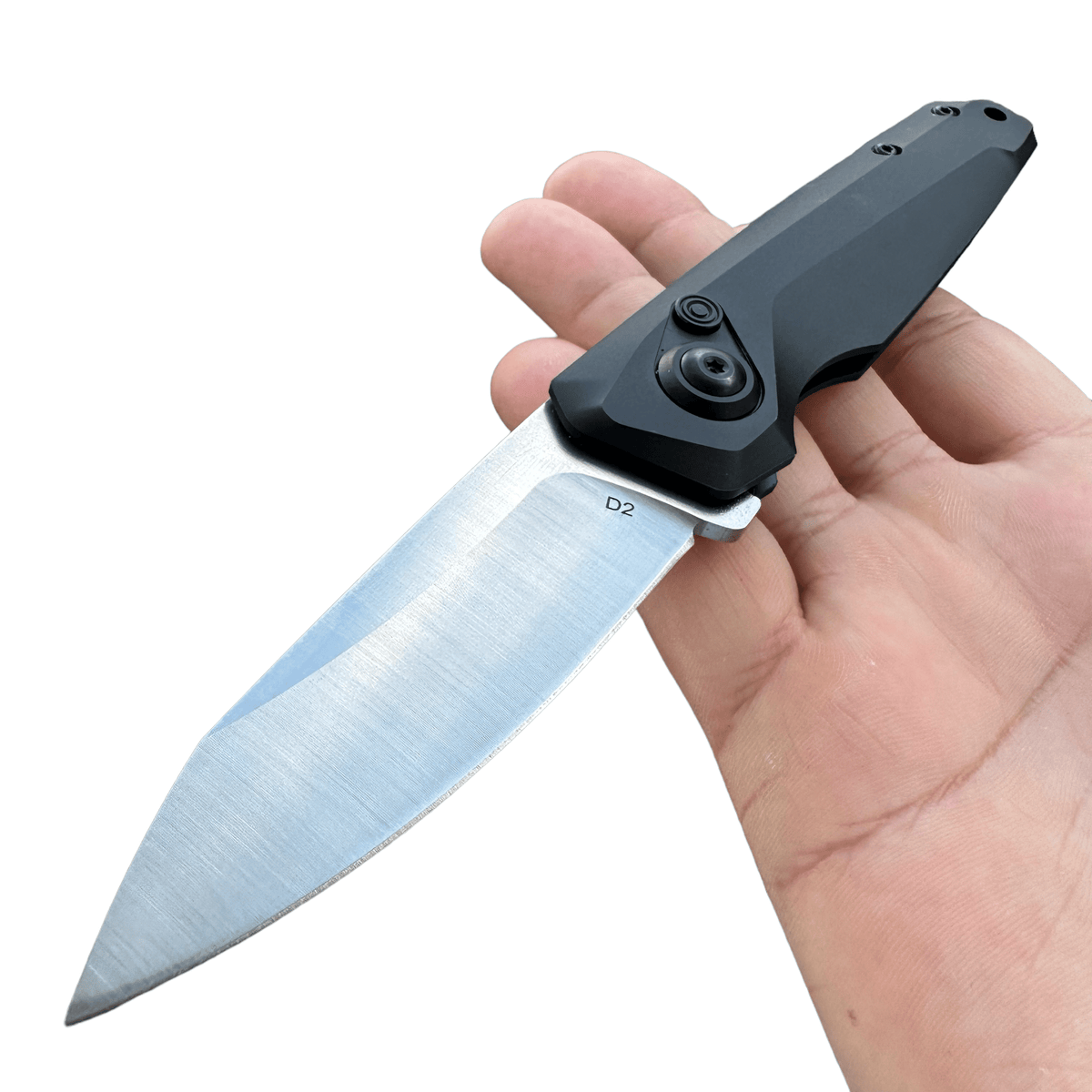
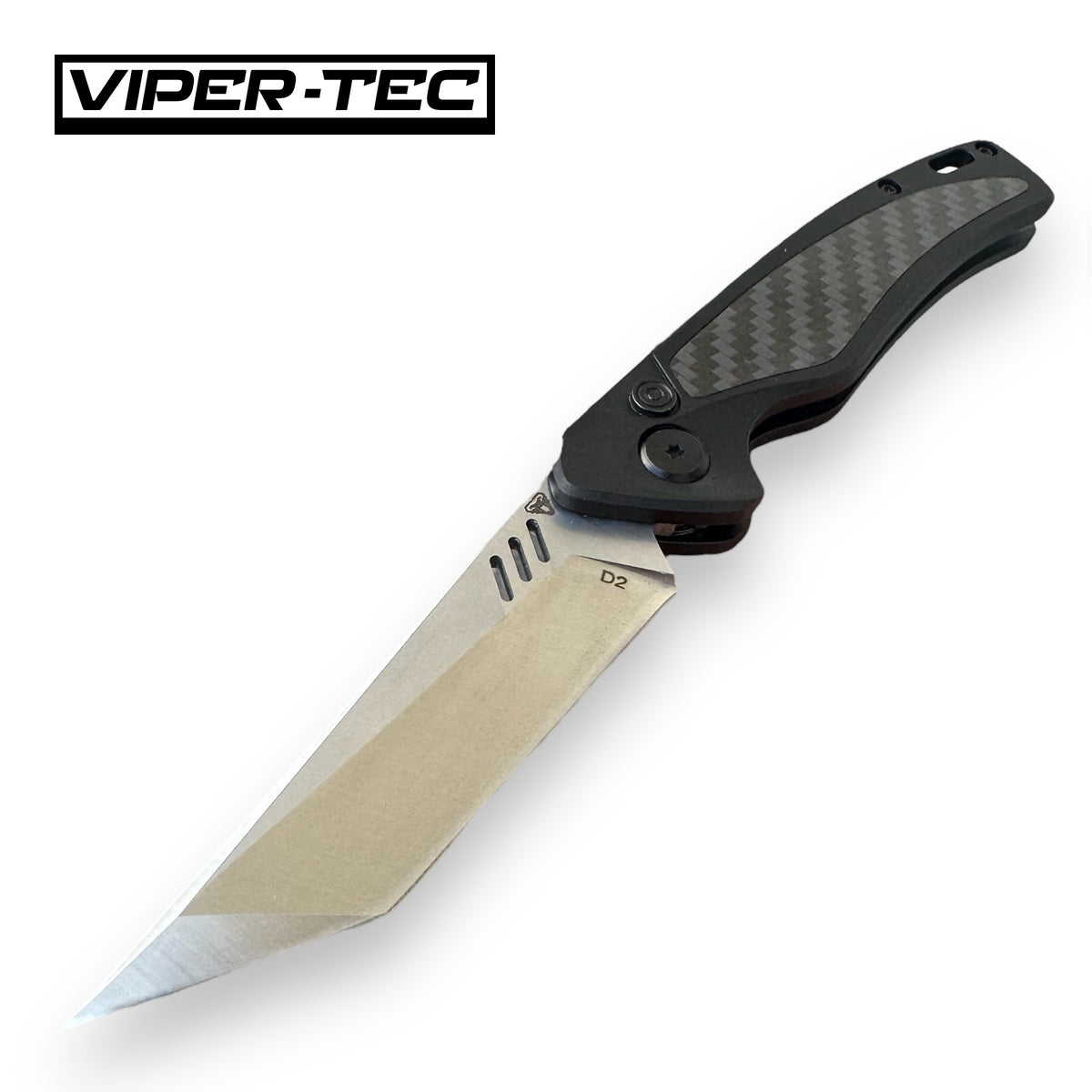
- D2 steel and a drop point blade: The VT Spector D2 Switchblade features a 3.25-inch drop point blade and an aluminum handle with a carbon fiber inlay. Compare its dimensions and blade finish options with the smaller Vector.
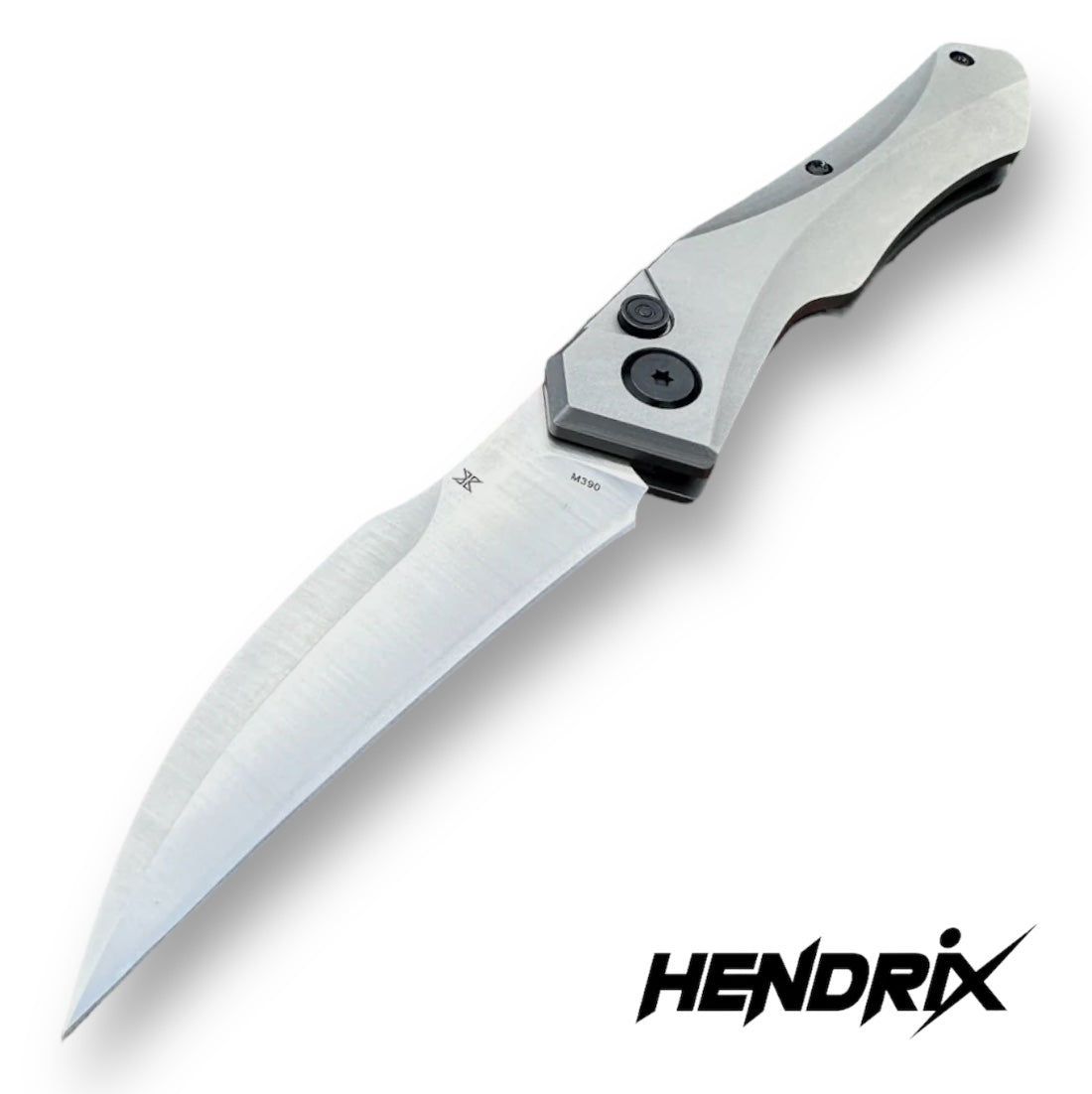
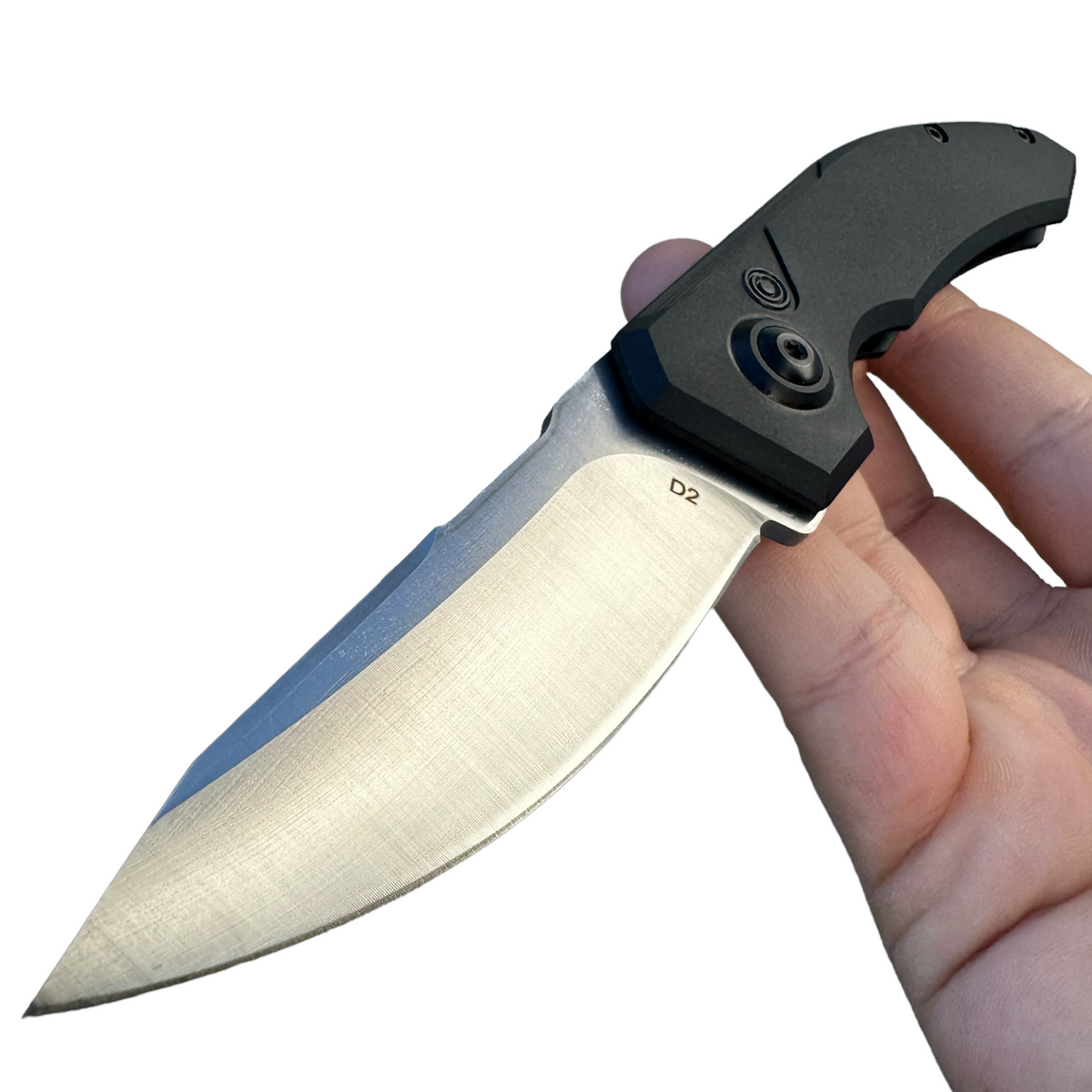
- Titanium handles and M390 steel: The Hendrix Titanium Hell Hawk Switchblade combines a titanium handle with a 3.25-inch M390 hawksbill blade. Its curved profile offers a different cutting shape from the Vector and Spector.
Shopping for Switchblade Knives Under $100?
Use the price filter to find switchblade knives under $100, then check availability for your preferred model. Compare the current prices of the Spector, Vector, and Initiate designs as a starting point. Prices and availability can change, so review the selected product before ordering.
Alongside price, check blade length, handle dimensions, pocket clip placement, and opening controls. A shorter blade does not tell you the knife’s total weight or closed size, and features can vary between models.
Compare Switchblades with Other Automatic Knives
Switchblade is a common name for an automatic knife and can describe more than one opening style. This collection focuses on side-opening models. For blades that extend straight through the front of the handle, explore our OTF knives. To compare both opening styles in one selection, browse our full automatic knives collection .
Switchblade Knives: Frequently Asked Questions
What Is a Switchblade Knife?
In common knife terminology, a switchblade is an automatic knife whose blade opens when a button, lever, or other release activates its powered mechanism. The term can describe both side-opening and out-the-front designs.
This collection focuses on side-opening switchblade knives, which rotate the blade outward around a pivot. Compare each model’s opening control, dimensions, and blade specifications before choosing.
What Is the Difference Between a Side-Opening Switchblade and an OTF Knife?
A side-opening switchblade swings its blade out from the side of the handle. An out-the-front, or OTF, knife moves its blade in a straight line through an opening at the front of the handle.
The controls and closing procedures also differ by model. Compare our OTF knives for front-deploying options, or browse all automatic knives to explore both opening styles.
How Do Push-Button Switchblade Knives Work?
A push-button automatic knife uses a button to release a mechanism that powers the blade open. On a side-opening model, the blade rotates around its pivot into the open position.
Pressing a button does not necessarily close the knife automatically. Many side-opening designs require manual closing after releasing the lock. Follow the operating instructions for your specific model and keep fingers clear of the blade’s travel path.
Are Assisted-Opening Knives and Button-Lock Knives Switchblades?
An assisted-opening knife requires the user to start moving the blade manually before the assisting mechanism completes the opening. An automatic switchblade opens when its release activates the powered mechanism.
A button lock describes a locking system, not necessarily an automatic opener. Some manual folding knives have button locks. Check the listed opening mechanism instead of assuming that any knife with a button is a switchblade.
What Should I Compare When Choosing a Switchblade Pocket Knife?
Start with blade length, closed dimensions, and weight. Then compare handle shape, pocket clip placement, blade profile, and the location of the opening control. Together, these details give a more useful comparison than blade length alone.
For a smaller option, look at compact switchblade knives such as the VT Vector D2 , which has a 2.5-inch blade. Compare its full specifications with larger models to find your preferred size and grip.
What Should I Know Before Choosing a D2 Steel Switchblade?
Several Viper Tec switchblade models use D2 tool steel, including the Spector and Vector. When comparing them, consider blade shape, grind, dimensions, and maintenance requirements alongside the steel designation.
Steel alone does not determine how a knife cuts or how comfortable it feels. For example, the VT Spector D2 Switchblade has a 3.25-inch drop point blade, while the Vector uses a shorter blade with a different profile. Check the exact specifications for your selected model.
How Can I Find Switchblade Knives Under $100?
Set the collection’s maximum price filter to $100 and select the in-stock availability filter to narrow the selection. Check each product’s current price and selected variant before ordering, since prices and availability can change.
Compare the features included at that price, such as blade steel, handle material, pocket clip design, and dimensions. A useful budget comparison considers how well the knife’s specifications match your preferences.
Are Stiletto Knives and Switchblades the Same Thing?
Stiletto describes a knife style, while switchblade describes automatic opening. A knife can be both, but not every switchblade has a stiletto profile, and the name stiletto alone does not specify its opening mechanism.
This collection features side-opening automatic designs. If you prefer an elongated stiletto profile with out-the-front operation, explore our stiletto OTF knives.
How Do I Maintain a Side-Opening Automatic Knife?
Follow the manufacturer’s care instructions for your model. Keep the blade clean and dry, remove accessible pocket lint, and use only the recommended lubricant and amount. Avoid forcing the blade or opening mechanism if movement feels obstructed.
Check the manufacturer’s guidance before adjusting or disassembling the knife. If deployment or lockup becomes unreliable, stop using it and contact support for model-specific assistance.